For Developers
Getting Started
Note: For a guided clone-to-first-PR walkthrough including architecture context, IPC tracing, and common gotchas, see
ONBOARDING.md. This doc focuses on the mechanical setup steps.


This guide will walk you through setting up StratoSort Stack on your local machine.
System Requirements
Before you begin, ensure your system meets the following requirements. StratoSort Stack runs a fully local, in-process AI stack and does not rely on external servers.
System Dependencies Chart
| Component | Purpose | Requirement / Setup |
|---|---|---|
| Node.js | Core Application Runtime | v20+ (see .nvmrc for exact version; dev needs Node installed) |
| GGUF Models | Local AI Inference | Auto-downloaded on first use (npm run setup:models) |
| Orama | Vector Search DB | Bundled in the app (no external install) |
| Tesseract | Image Text Recognition | Bundled tesseract.js + English tessdata; native optional |
| GPU | AI Acceleration | Optional but recommended (4GB+ VRAM) |
Installation
1. Clone the Repository
git clone https://github.com/iLevyTate/StratoSortStack.git
cd StratoSortStack
2. Install Dependencies
npm ci
Note: npm install/npm ci runs postinstall, which rebuilds native modules and runs setup scripts (best-effort). To skip, set SKIP_APP_DEPS=1 before installing.
3. Start the Application
npm run dev
Detailed Setup Instructions
On the first launch, the application offers to download the AI models it needs. OCR needs no setup:
it uses the bundled tesseract.js engine.
Platform Notes
- All platforms: Use the model setup wizard's Download models action on first launch to
fetch the profile's models. OCR runs on
tesseract.js; nothing is installed on your system. - Optional native Tesseract: If a
tesseractbinary is on yourPATH(orTESSERACT_PATHpoints to one), the app uses it instead oftesseract.js. - In-app setup: The Settings panel lets you configure models and verify OCR status.
Setup Workflow (No-CLI first run)
The following flowchart illustrates the automated setup process that runs on first launch:
graph TD
    Start([Start App / Setup]) --> CheckModels{Models Found?}
    CheckModels -- No --> DownloadModels[Download Models]
    CheckModels -- Yes --> CheckTess
    DownloadModels --> CheckTess

    %% Tesseract Flow
    CheckTess{Native tesseract<br/>found?}
    CheckTess -- Yes --> Native[Use native Tesseract]
    CheckTess -- No --> JsOcr[Use bundled tesseract.js<br/>+ English tessdata]
    Native --> Ready([App Ready 🚀])
    JsOcr --> Ready

    classDef baseNode fill:#f9f9f9,stroke:#333,stroke-width:1px;
    classDef success fill:#e1f5fe,stroke:#01579b,stroke-width:2px;

    class Ready success;
Startup Preflight Checks
On each launch, StratoSort Stack runs preflight checks to verify model availability, vector DB
readiness, and OCR health. If a service is slow to respond, you can raise the timeout using
SERVICE_CHECK_TIMEOUT (ms). Check logs if the app reports missing or unreachable dependencies.
Tesseract OCR Setup
StratoSort Stack uses Tesseract OCR to read text from images. Nothing is installed on your system. The app picks a backend in this order:
TESSERACT_PATH, if set, pointing to a nativetesseractbinary.- A
tesseractbinary on yourPATH. - Otherwise the bundled
tesseract.jsengine (the normal case).
Language Data (tessdata)
tesseract.js: Packaged builds ship the English model (eng.traineddata) inassets/runtime/tessdata/, staged bynpm run setup:tessdata-runtime, so OCR works offline. In a dev checkout, run that script once; without it,tesseract.jsdownloads the model on first OCR.- Native Tesseract: Uses that installation's tessdata directory (e.g.
/usr/share/tesseract-ocr/5/tessdata,/opt/homebrew/share/tessdata, orC:\Program Files\Tesseract-OCR\tessdata). If language data is in a non-standard location, setTESSDATA_PREFIXto the tessdata directory.
Native Tesseract is optional. If you want it (for example, for extra languages), install it yourself
(brew install tesseract, sudo apt-get install tesseract-ocr, or the
UB-Mannheim build on Windows) and restart the app.
tesseract.js Behavior
- Works without a system install
- Uses English (
eng) by default - Can be slower on large images
Check logs for [OCR] messages to confirm which backend is active.
Adding Additional Languages
To use languages other than English:
- Native Tesseract (install it first, as above):
- Windows: Download
.traineddatafiles from https://github.com/tesseract-ocr/tessdata and place them inC:\Program Files\Tesseract-OCR\tessdata\. - macOS:
brew install tesseract-lang - Linux:
sudo apt-get install tesseract-ocr-[lang](e.g.,tesseract-ocr-fra)
- Windows: Download
- Verify: Run
tesseract --list-langsto see available languages.
Note: The app currently defaults to English (eng). Multi-language selection is planned.
One-click background setup
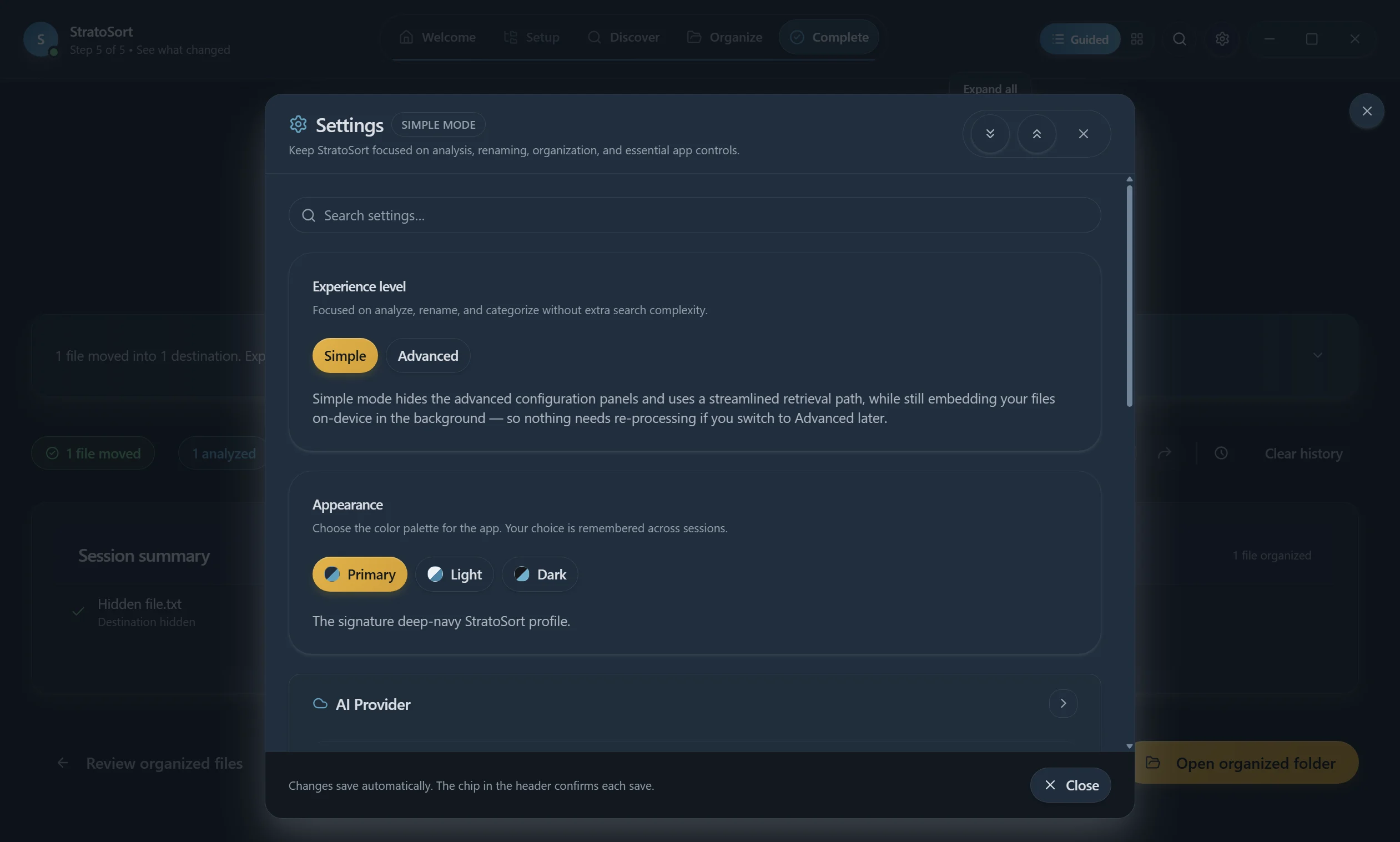
On first launch, open the model setup wizard and click Download models. This downloads the
selected profile's text, vision and embedding GGUF models (about 7 GB for Base, about 10 GB for
Better Quality). OCR is already available through the bundled tesseract.js.
The UI stays usable while downloads run in the background.
Release Process (Developers)
For release steps (runtime staging, checksums, and notes), see the Release Guide.
Troubleshooting
If you encounter issues during setup:
Check Logs:
- Windows:
%APPDATA%\StratoSort Stack\logs\ - macOS:
~/Library/Application Support/StratoSort Stack/logs/ - Linux:
~/.config/StratoSort Stack/logs/
- Windows:
Verify Models:
- Run
npm run setup:models:checkto verify models are available.
- Run
Run Setup Script Manually:
- You can trigger dependency setup manually via:
npm run setup:deps
npm run setup:models
Next Steps
Once setup is complete, you're ready to start organizing your files:
- Add Smart Folders - Configure folders with keywords and descriptions
- Enable Auto-Organization - Turn on folder watching in Settings
- Explore the Knowledge Graph - Visualize relationships between your files
For more information, see the main README or explore the documentation home.
Need help? Open an issue on GitHub. {: .text-center }